
Developer
Perfect for individual developers and small projects
—
- 1 Project
- Up to 2,000 translation units
- 1 seat
- Unlimited languages
- Support Portal (48h SLA)
Organize strings in projects and groups, publish snapshots through channels, and fetch the right release at runtime with official SDKs.
Already have an account? Log in


Organize copy, automate with CLI and MCP from AI-first tools, release through channels, and deliver at runtime without redeploying for every string change.
Create projects, groups, and keys. Separate environments and languages in one workspace.
Use the Translaas CLI and MCP server from Cursor, Claude Code, and other AI-first tools so agents can manage strings in the same loop as your code.
Invite your team, fill gaps with AI, import CSV files, and review translations before they ship.
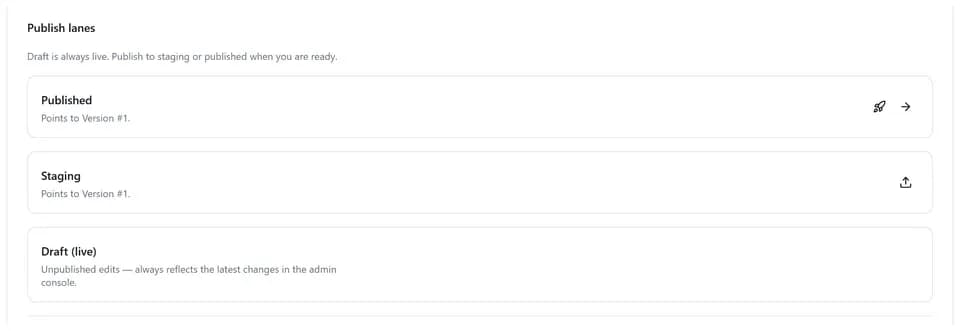
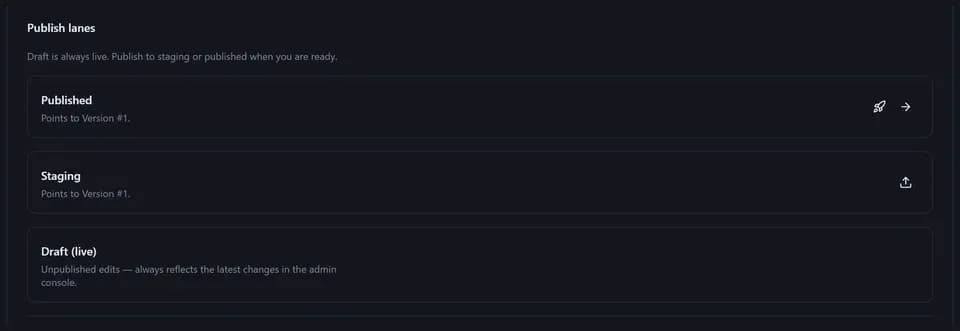
Publish immutable snapshots and point Stable, Beta, or Canary channels when you are ready.
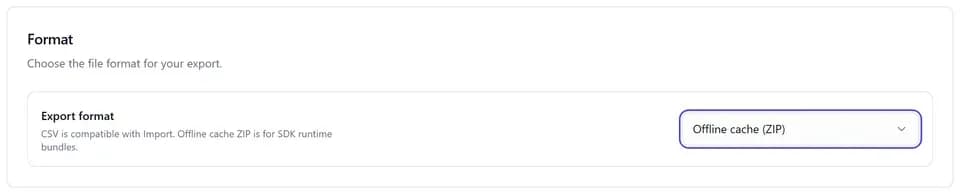
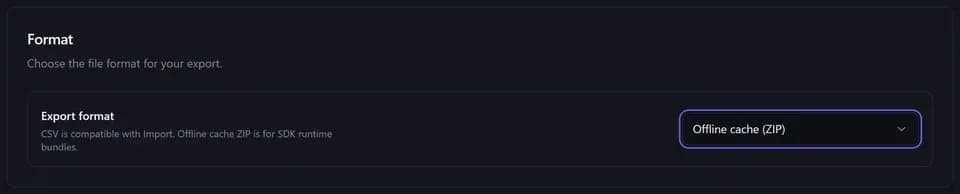
Fetch translations at runtime via SDK or REST. Cache locally for speed and offline resilience.
Built for engineering teams who need control over copy without slowing down shipping.
Edit in the admin console, publish immutable snapshots, and route Stable, Beta, or Canary channels without redeploying your app.
SDK caching keeps apps serving translations when the network drops. Ideal for mobile, edge, and resilient backends. Plural rules, parameters, and context-aware keys. Runtime i18n is built in, not bolted onto a spreadsheet.
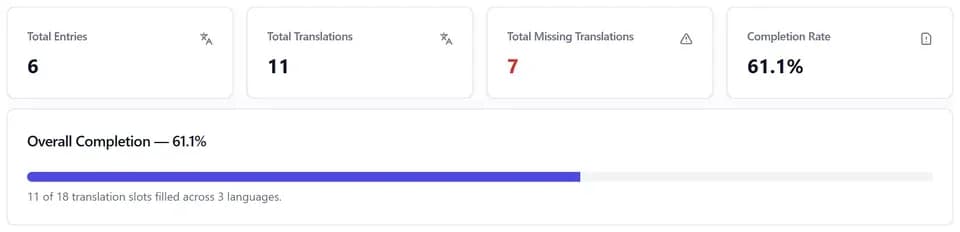
Manage projects, groups, and translations from Cursor, Claude Code, and other MCP-enabled tools. Spot missing keys, track completion, and catch gaps before users do, with dev-friendly reporting. Role-based access, AI gap filling, CSV import/export, and async tasks for translators and developers working together.
No boilerplate drills. Pick your stack and see a working Translaas SDK sample.
// npm install @translaas/core
import { TranslaasService, CacheMode, LanguageCodes } from '@translaas/core';

const translaas = new TranslaasService({
  apiKey: process.env.TRANSLAAS_API_KEY!,
  baseUrl: 'https://api.translaas.io',
  defaultProjectId: 'my-app',
  cacheMode: CacheMode.Group,
  defaultSdkQuery: { channel: 'stable' },
});

// Stable-channel label in Spanish
const saveLabel = await translaas.t('common', 'btn.save', 'es');

// Plural forms
const itemsRemaining = await translaas.t(
  'messages',
  'item_count',
  LanguageCodes.English,
  5,
);

// Parameter substitution: "Welcome, {name}!"
const welcome = await translaas.t('common', 'welcome_user', LanguageCodes.English, {
  name: 'Alex',
});7-day free trial on all paid plans. Credit card required. Upgrade when your team and traffic grow.
A translation unit is one localized string value (one key in one language). Plans include a monthly unit allowance; unused units do not roll over. Offline cache export, Translation Insights, and Usage Analytics unlock on higher tiers.
Perfect for individual developers and small projects
Ideal for growing teams and multiple projects
For established teams with advanced needs
For large organizations with unlimited needs